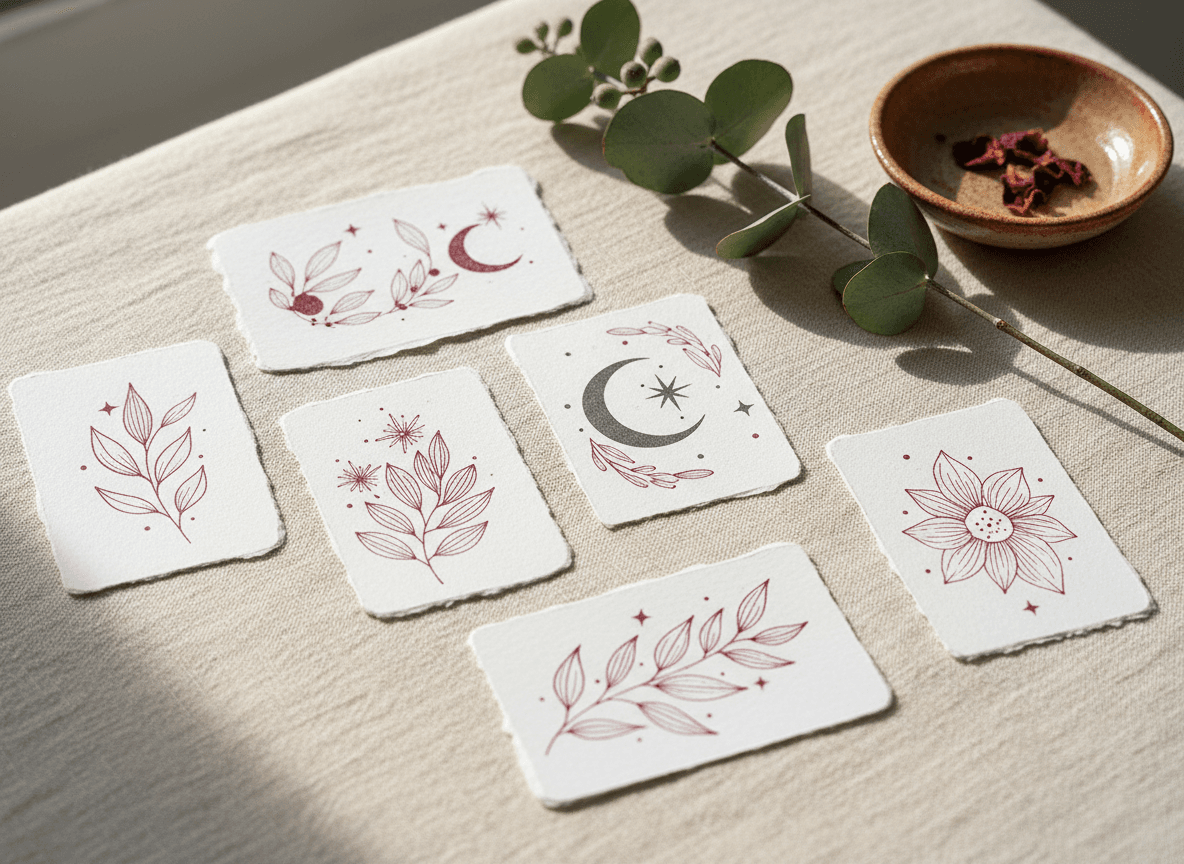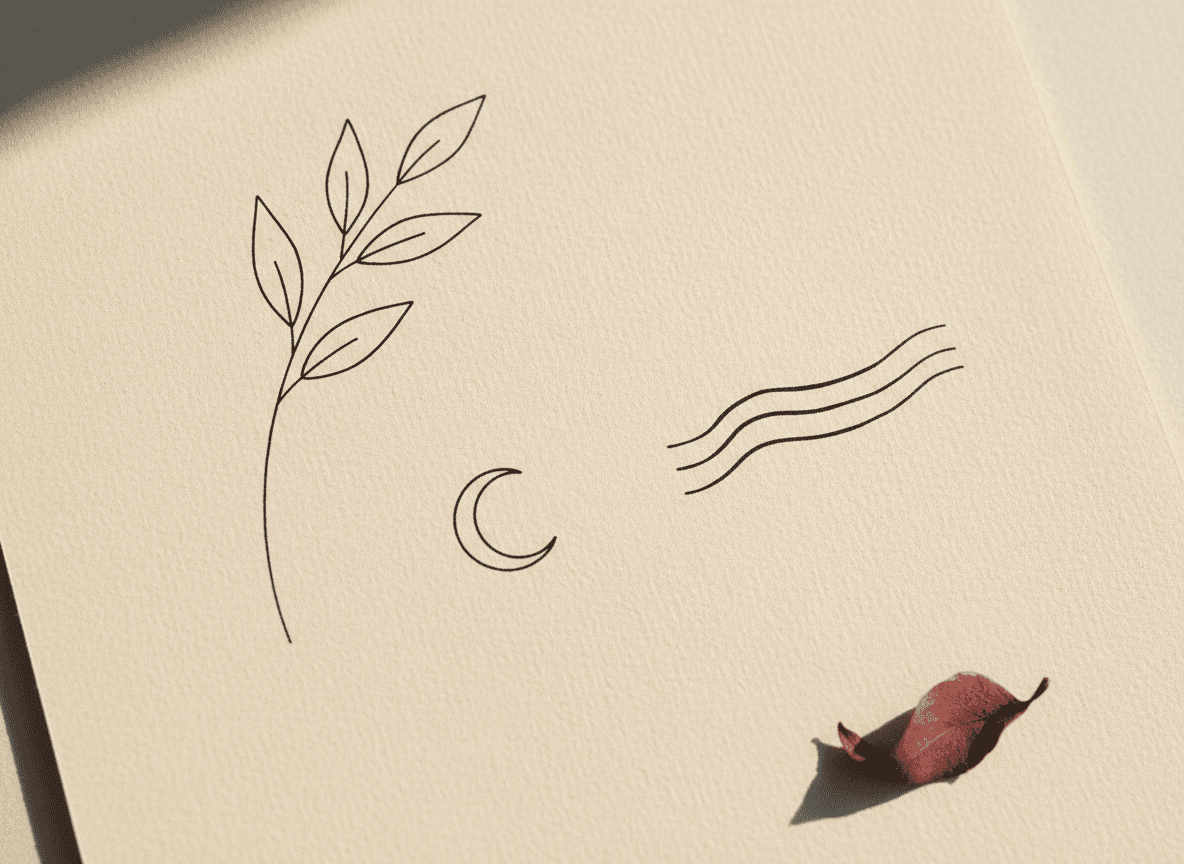
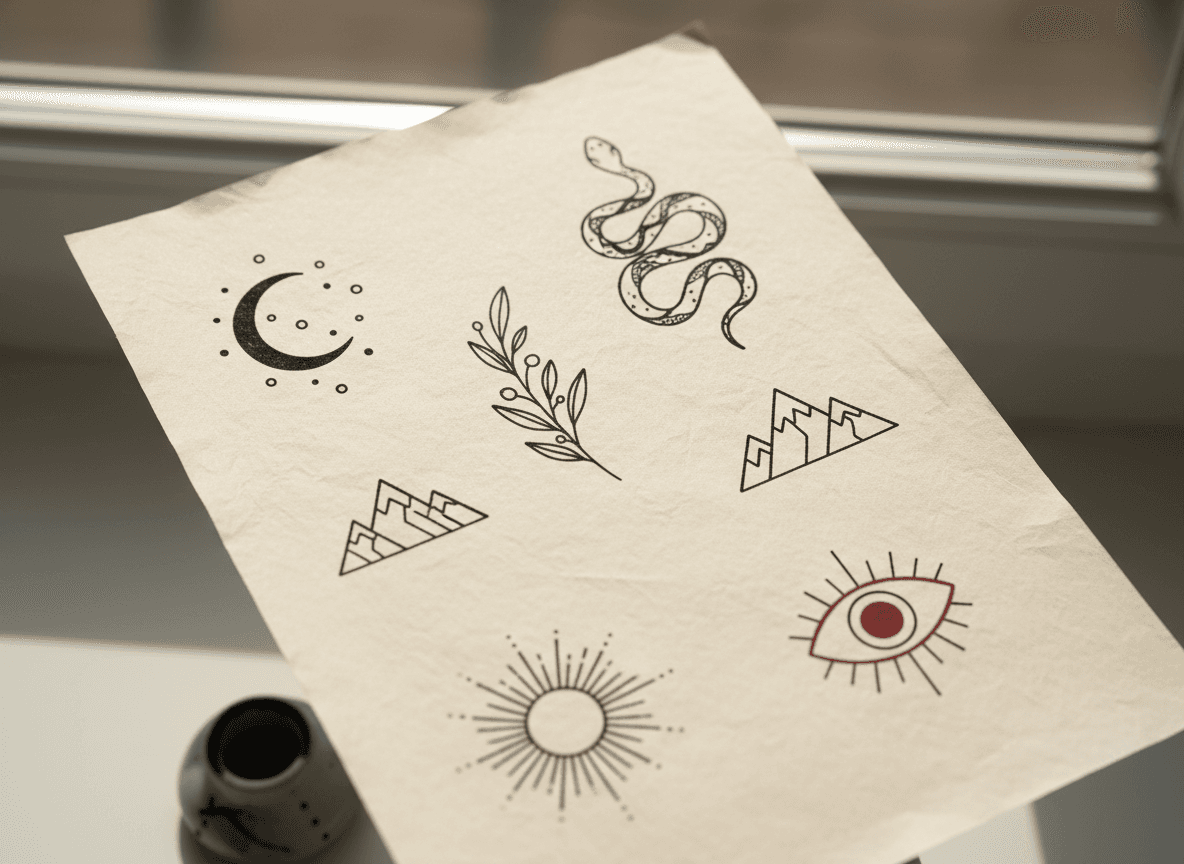
You don't need to draw, and you don't need a finished idea — just a few words. Our AI tattoo generator turns a short description into a clean, print-ready tattoo design in seconds, then we print it as a vegan, skin-safe temporary tattoo you can actually wear. This guide walks through how it works, how to write a prompt that gets you a design you love on the first try, and what happens after you hit generate.
What the AI tattoo generator does
Think of it as the sketch stage of a real tattoo appointment — the part where the artist hands you a clean reference drawing right before the session — except it happens instantly and from your own words. You type what you want, choose a style, and the generator produces a single, isolated design on a plain white background: confident outlines, balanced composition, and the kind of readable detail that holds up at any size. No skin mock-ups, no clutter, no watermarked stock art — just your design, ready to print.
Because the output is a proper stencil-style drawing rather than a busy illustration, it translates straight into a temporary tattoo without losing its lines.
How it works, step by step
- Describe your idea. Type a short prompt — a sentence is plenty. The more specific you are about the subject and the look, the closer the first result lands.
- Pick a style (optional). Choose from fine-line, blackwork, Japanese, geometric, dotwork, lettering and more — or leave it on Auto and let the generator choose a clean black-and-grey treatment that suits the subject.
- Add reference images (optional). Upload a photo or a sketch and the generator uses it as visual guidance — pulling the design intent rather than copying the photo.
- Generate. In a few seconds you get a watermarked preview to review.
- Order it as a tattoo. Happy with the design? Order it and we print the clean, watermark-free version as a temporary tattoo and ship it to you.
How to write a prompt that nails it
The generator rewards specifics. A vague prompt like "a flower" leaves every decision to chance; a precise one tells it exactly what to draw. The trick is to name three things: the subject, the style, and the detail.
- Subject — what it is: "a coiled snake", "a crescent moon with three small stars", "a bunch of wildflowers", "a compass rose".
- Style — how it's drawn: fine-line, blackwork, old-school traditional, minimalist, dotwork, geometric, watercolour.
- Detail — the extras that sell it: "thin single line", "palm-sized", "symmetrical", "no shading", "bold outline".
Try: "Fine-line crescent moon with three tiny stars, thin single line, minimalist, no shading." — or — "Bold traditional swallow in flight, heavy black outline, small."
A few habits that consistently produce better designs:
- Describe the subject, not a scene. "A wolf head, front-facing, geometric" works better than "a wolf in a forest at night".
- Say how big it should read. "Small and simple" and "large and detailed" pull the design in very different directions.
- Mention negative space if you want the design to breathe — fine-line and minimalist looks depend on it.
- Iterate. If the first result is close, tweak one word — change the style, add "symmetrical", swap "detailed" for "minimal" — and run it again.
Choosing a style
Style is the single biggest lever on how your tattoo looks, so it's worth knowing the main families:
- Fine-line & minimalist — thin, single-weight lines and lots of negative space. Elegant, understated, endlessly popular.
- Blackwork & tribal — bold solid black shapes with high graphic impact.
- Traditional & neo-traditional — heavy outlines and iconic motifs; classic flash energy.
- Japanese (Irezumi) — flowing compositions with waves, koi, dragons and cherry blossom.
- Geometric, dotwork & ornamental — symmetry, stippled shading and lace-like detail.
- Lettering — script, gothic and calligraphic type when words are the design.
Not sure? Leave the style on Auto. It defaults to a modern black-and-grey treatment that ages well and works for almost any subject.
Using your own reference images
If you already have a picture in your head — or on your phone — upload it. The generator treats references as guidance, not something to photocopy: it ignores the background, lighting and any skin in the shot, and pulls out just the design idea, then redraws it cleanly in your chosen style. Upload more than one and it intelligently fuses them into a single, unified design rather than a collage.
From design to wearable tattoo
The preview you see is watermarked on purpose — it lets you explore freely before you commit. When you order, we release the clean, full-resolution version and print it as a temporary tattoo. Every Tattoo Factory tattoo is a regulated cosmetic product: vegan, made with skin-safe ink, needle-free, and built to last 5–8 days with the right care. When you're done, a little oil or a makeup wipe lifts it away — no commitment, no regret.
New to applying them? Our application and aftercare guide shows you how to get the full week out of every design.
Is it free?
Your first generation each day is on us, so you can try the idea in your head without spending a thing. Want to explore lots of variations in one sitting? You can top up with an affordable credit pack and keep generating — there's no obligation to order until you find a design you love.
Tips for the best results
- Start simple, then add. Generate the core subject first; layer in detail once the composition looks right.
- Match style to size. Intricate dotwork shines large; fine-line and minimalist read beautifully small.
- Keep it to one focal idea. The strongest tattoos have a clear silhouette — resist cramming in three concepts at once.
- Run it a few times. Each generation is a fresh interpretation; the second or third is often the keeper.
Ready to see your idea drawn? Open the AI tattoo generator and type your first prompt — or browse ready-made designs if you'd rather start from inspiration. Questions about ink, application or shipping? Our FAQ has you covered.